Figma Weave: Extending Design Systems into AI-Powered Brand Campaigns


Design systems are essential assets for maintaining consistency across product interfaces. Figma Weave presents a new way to connect color, typography, and layout rules to AI workflows and extend them into brand campaigns.
From design systems to brand campaigns
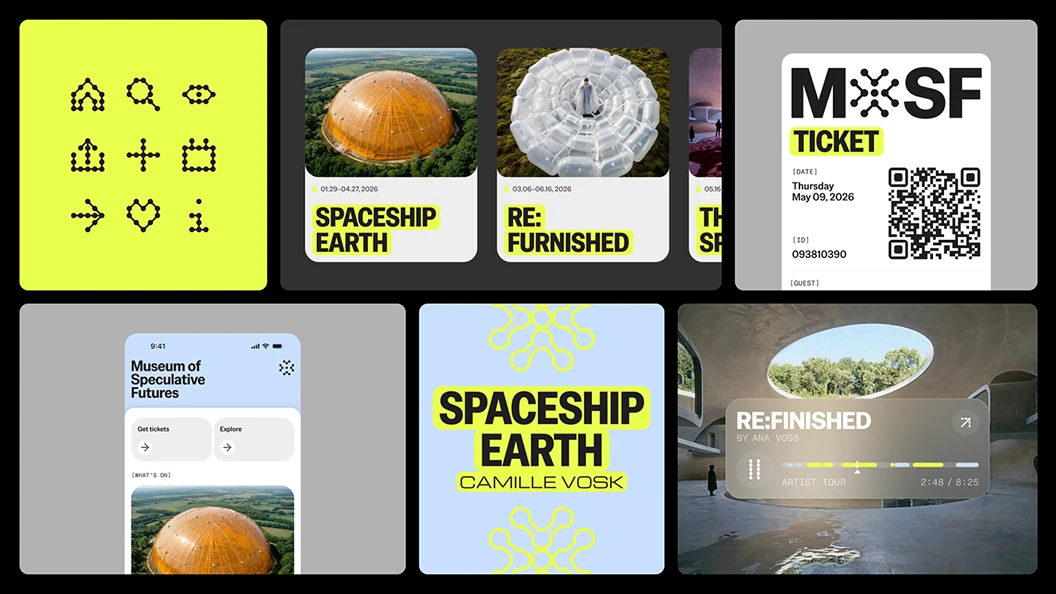
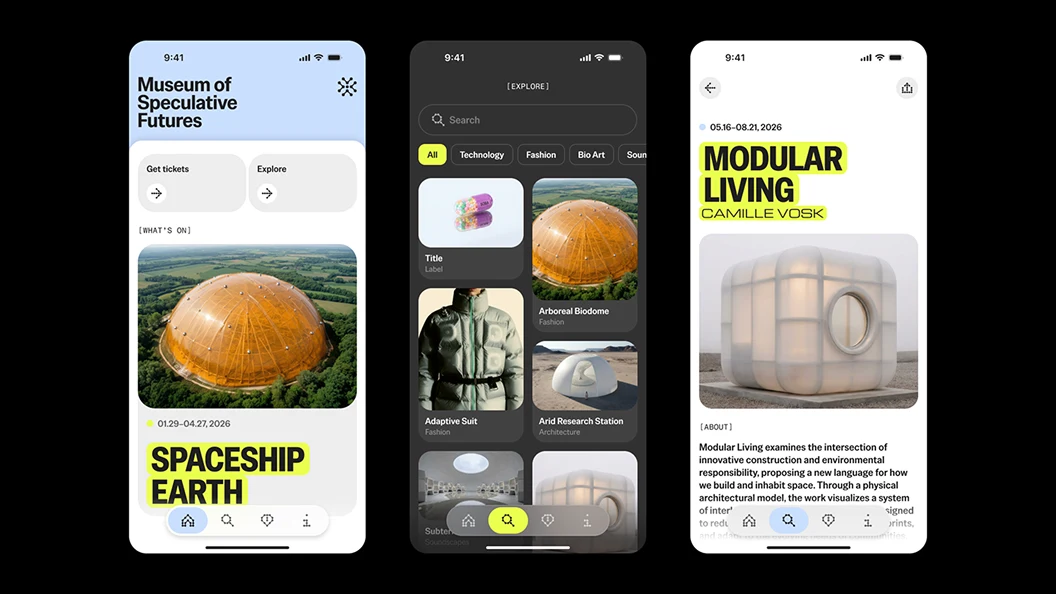
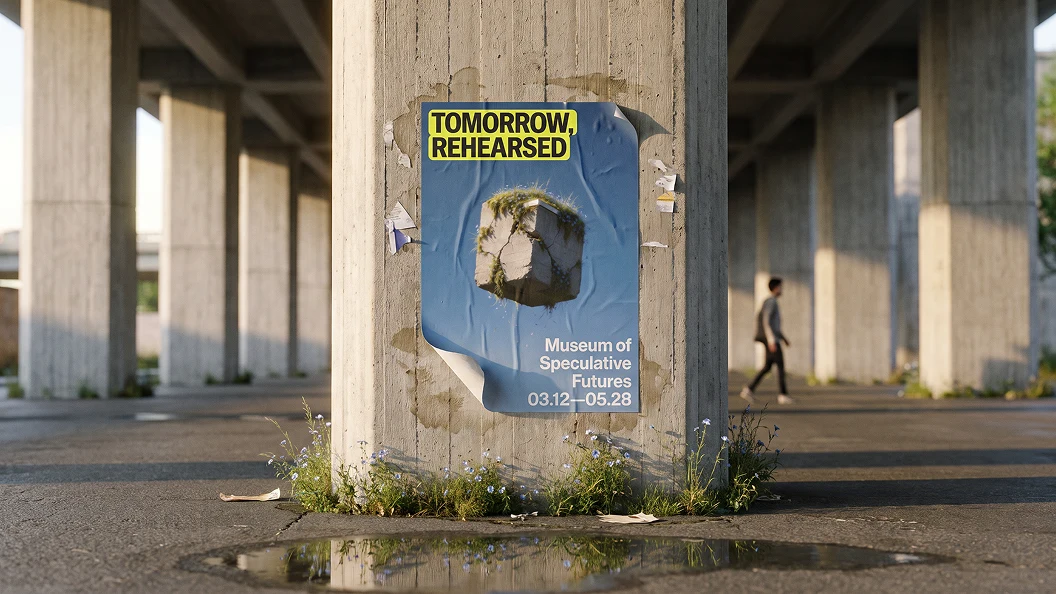
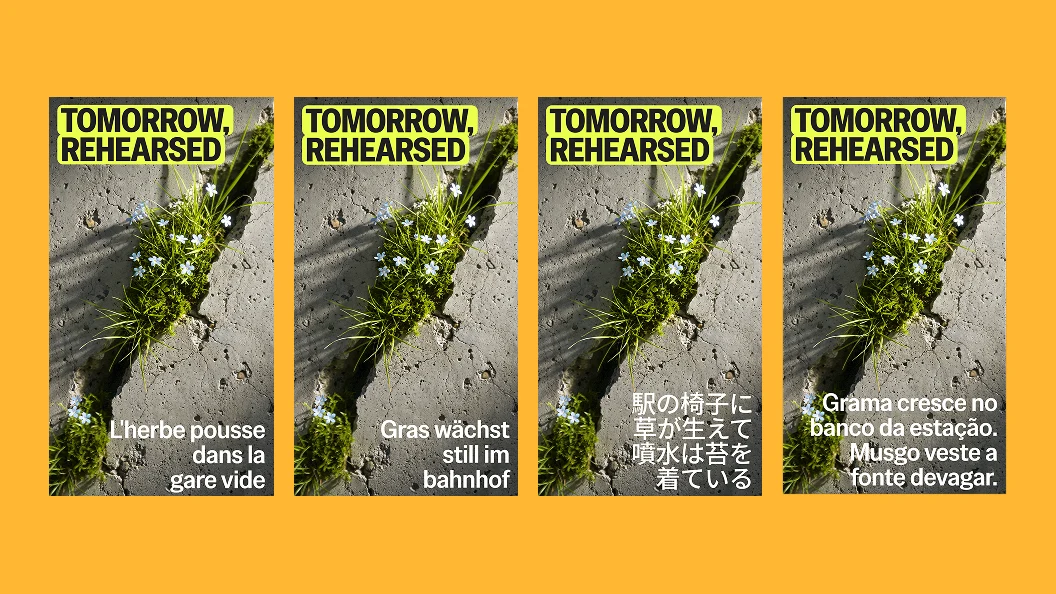
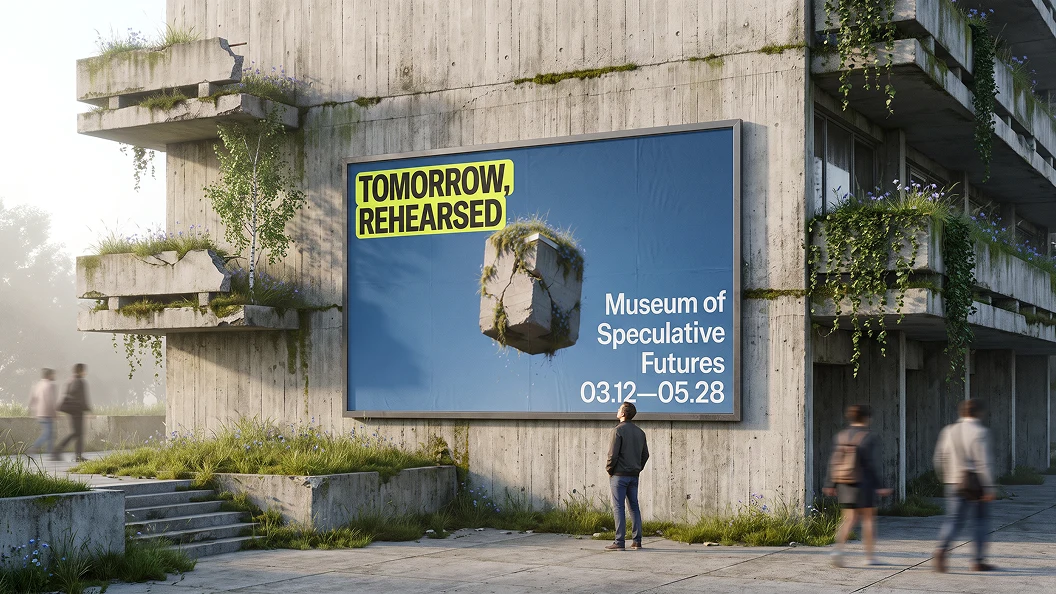
Applying a product design system’s visual rules to marketing involves repeatedly interpreting brand guidelines, producing images, adapting layouts for different formats, and localizing copy. Figma’s Workflow Lab uses the fictional Museum of Speculative Futures (MOSF) and its exhibition “Tomorrow Rehearsed” to show how a product designer can build a campaign from an existing design system when the brand designer is unavailable.
The key is to establish a repeatable production process that analyzes and reuses brand rules, rather than simply generating individual images with AI.
A four-step workflow connected through Figma Weave
1. Turn a design system into information AI can use
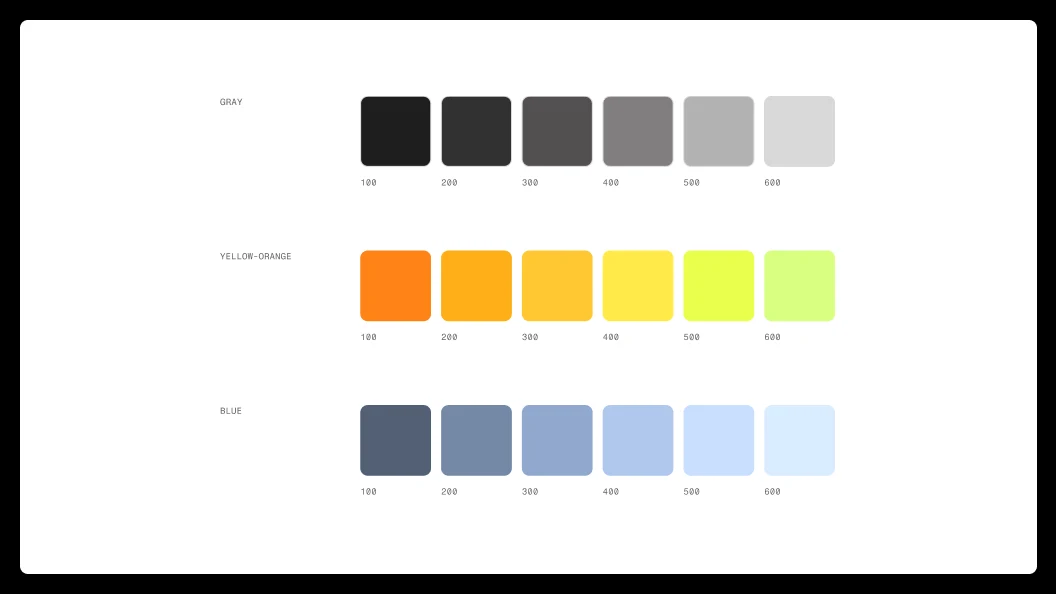
The Figma Node connects frames and layouts in Figma Design to Weave. The Image Describer Node describes visual characteristics such as typography and layout, while the Color Palette Node extracts the main colors. This analysis provides a reference for maintaining brand consistency during generation.
2. Generate consistent brand imagery
The Gen Effect Node applies shared treatments, such as color grading and blurred edges, to photographs of exhibition installations. Connecting the same node to multiple images helps establish visual consistency across the campaign without editing each image individually.
3. Expand across formats and languages
Generated images return to Figma Design to become posters, billboards, and social media content. The Any LLM Node localizes English copy into French, German, Japanese, Portuguese, and other languages, taking market-specific copy guidelines and text length into account. Text remains editable in Figma.
4. Build a reusable production workflow
Image analysis, color extraction, style generation, and copy localization become connected nodes that can be reused. Because the Figma Node remains connected to the source design, the workflow can run again after design system changes are refreshed. Changes do not necessarily propagate to every final deliverable automatically; rerunning and reviewing the results are still required.
What changes for designers?
Design systems become a foundation for generative design
A design system extends beyond a guide for implementing UI: it becomes context that AI can reference when generating new creative work. Clearly defined rules also influence the consistency of the results.
From writing prompts to designing workflows
Instead of choosing an output from a single prompt, designers can determine which data enters the process, which rules apply, and how the results are validated.
Connecting brand design and product design
Reusing the visual language shared by product interfaces and marketing content can reduce the gap between teams. However, people still need to review brand fit, translation accuracy, and layouts for each format.
XploreD Insight — The next step for design systems: from management to generation
Design System as Context: A design system becomes contextual information that guides AI generation.
Workflow as Asset: The production process itself becomes a reusable team asset alongside the finished designs.
Designer as Orchestrator: The designer’s role expands to connecting and managing design rules, AI models, and generation processes.
The value of a design system will depend not only on the number of components it contains, but also on how consistently and efficiently it enables new outputs.
Original article: https://www.figma.com/blog/workflow-lab-from-design-system-to-campaign-in-figma-weave/