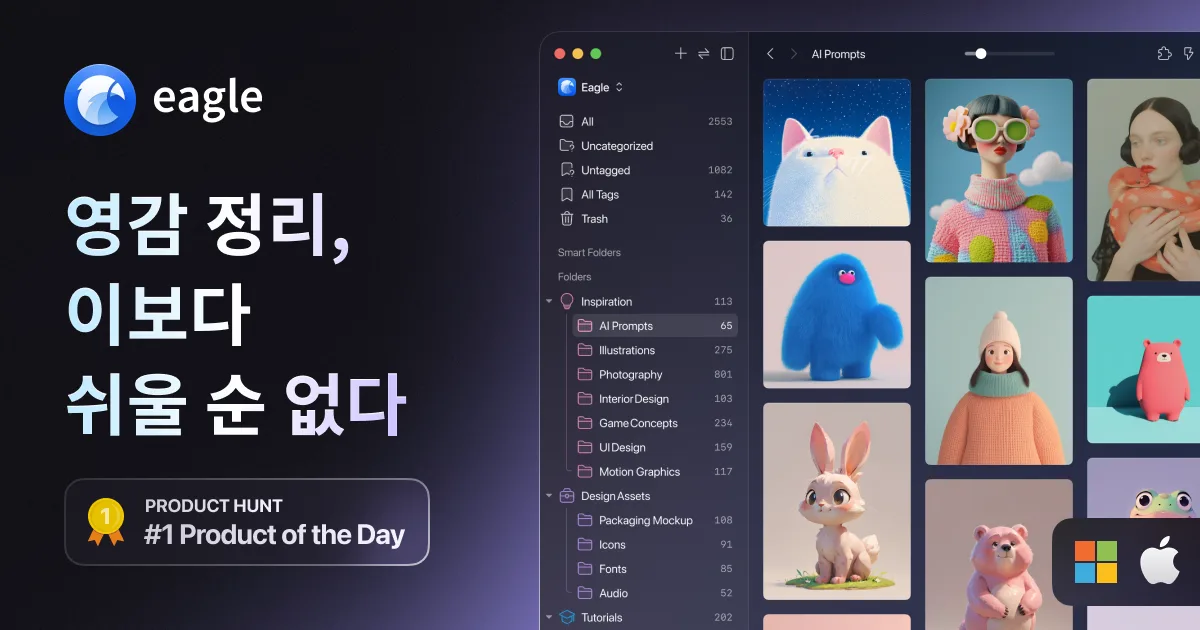
A digital asset management tool for designers and creators, focused on collecting, organizing, searching, and previewing creative assets.
1. Image and Inspiration Collection
Browser extension: Supports drag-and-drop image saving while browsing, screenshot capture, and bulk saving of images from a page.
Multiple collection methods: Supports collecting images from right-click-disabled sites with Alt + right-click, dragging local files, pasting from the clipboard, and saving web/video bookmarks.
2. Efficient Classification and Organization
Smart folders: Automatically saves and classifies files based on conditions such as name, tag, color, and file format.
Tags and annotations: Supports intuitive tagging, automatic tag assignment, and annotations for leaving ideas or notes on specific areas of an image.
Deduplication and maintenance:
Supports merging duplicate/similar files, star ratings, password locking, and actions that automate repetitive tasks.
3. Powerful Multidimensional Search
AI-powered search: Finds assets by image context, visual traits, meaning, and source even when you do not remember the filename or tags.
Color and filter search: Supports searching across 50+ color palettes and advanced filtering with 10+ conditions such as format, ratio, and date.
Pinterest and related search: Lets you explore similar styles and related ideas instantly from a specific image.
4. Flexible Preview and Extensibility
Mouse-over / spacebar preview: Instantly previews images, GIFs, videos, audio, and fonts by hovering or pressing the spacebar without opening the file.
100+ format support: Supports many creative formats including PSD, AI, 3D files, fonts, audio, and video.
AI plugins and workflow: Supports plugins such as AI background removal, AI image upscaling, and eraser tools, plus cloud sync workflows with Dropbox, Google Drive, and more.